Well-structured SVG output
Clean, semantic SVG with properly named groups — not a tangled mess of paths. Open it in Illustrator and it just works.
SVG map generator for designers
Pick a location, restyle it in the browser, and export a clean, layered vector file. No GIS skills, no hassle — just a beautiful SVG map you can drop straight into Illustrator.
+ Sign up and get free credits to start.
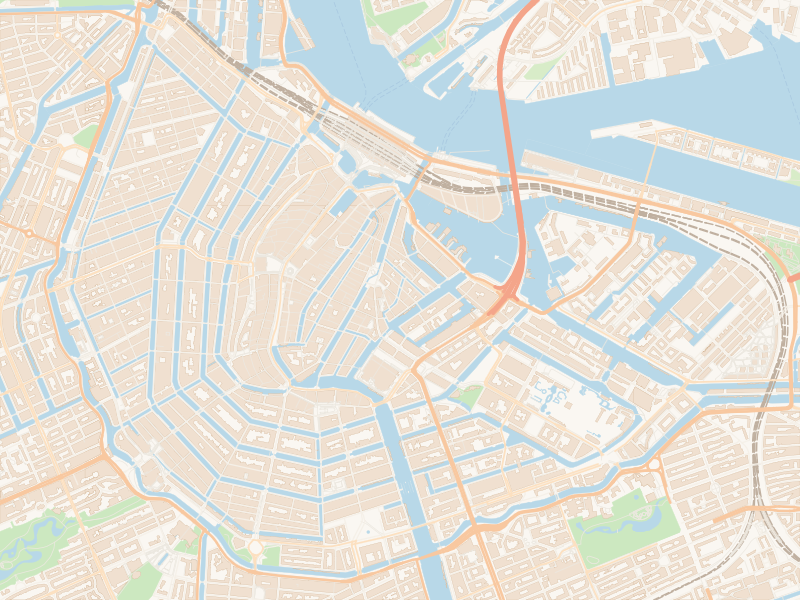
Amsterdam · city centreRoads · Water · Buildings
Why MapVectorizer
Built for graphic designers who need a clean, editable vector map — not a screenshot or a PDF.
Clean, semantic SVG with properly named groups — not a tangled mess of paths. Open it in Illustrator and it just works.
Roads, water, buildings, green areas — each sits on its own layer. Toggle, delete, or restyle any element independently.
Search an address or drop your export box anywhere — your neighbourhood, a city centre, a whole region.
No subscription. No seat licences. Pay a small fee per export — ideal for one-off projects and studio work alike.
Style & control
Start from a ready-made style, then fine-tune every layer right in the browser. What you see is exactly what lands in your SVG.
From clean Minimal to bold Blueprint and dark Obsidian — pick a whole look in a single click.
Adjust colour, stroke width, and opacity per layer, and set your own background — no design tool required.
Add place, road, and water names — with text export tuned for Adobe Illustrator and Inkscape.
Give buildings depth with soft drop shadows and a sun direction you control — right in the preview.
Drop icons, draw shapes, and trace routes on top of the map to mark venues, walks, and points of interest.
Export a layered vector SVG for editing, or a flat high-resolution PNG when you just need an image.
Example exports
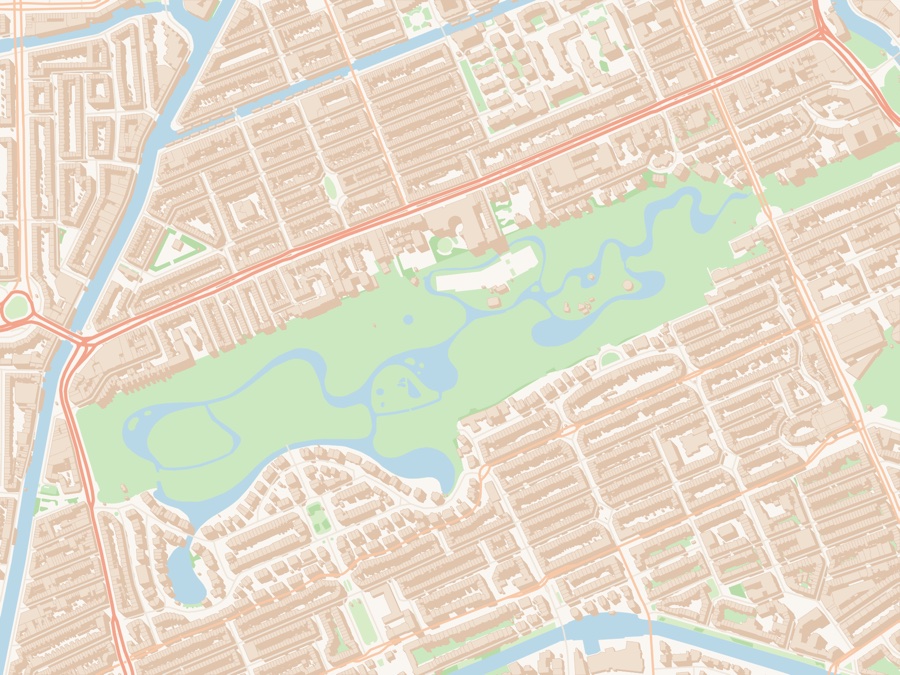
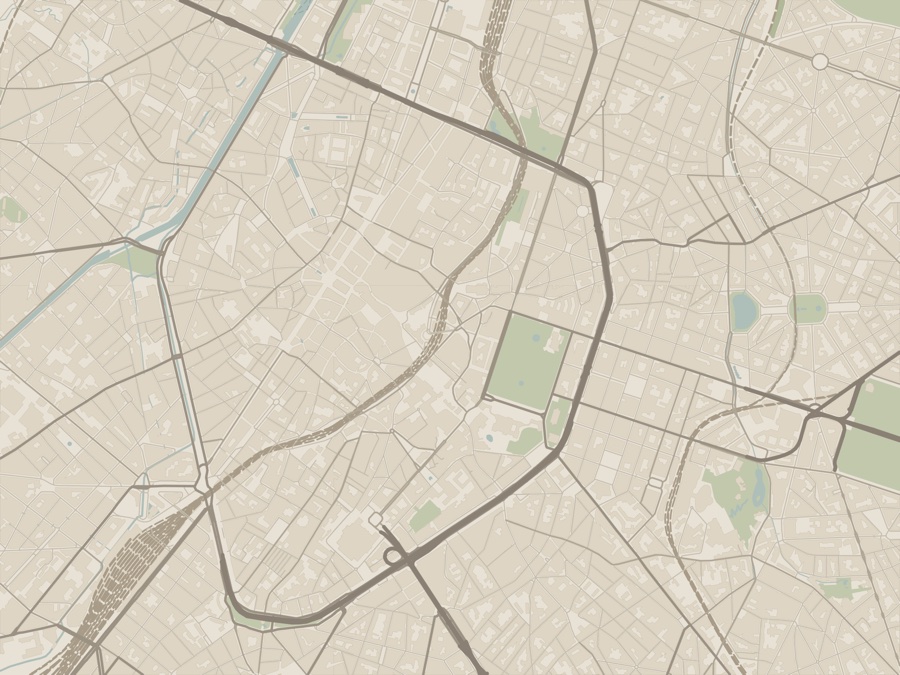
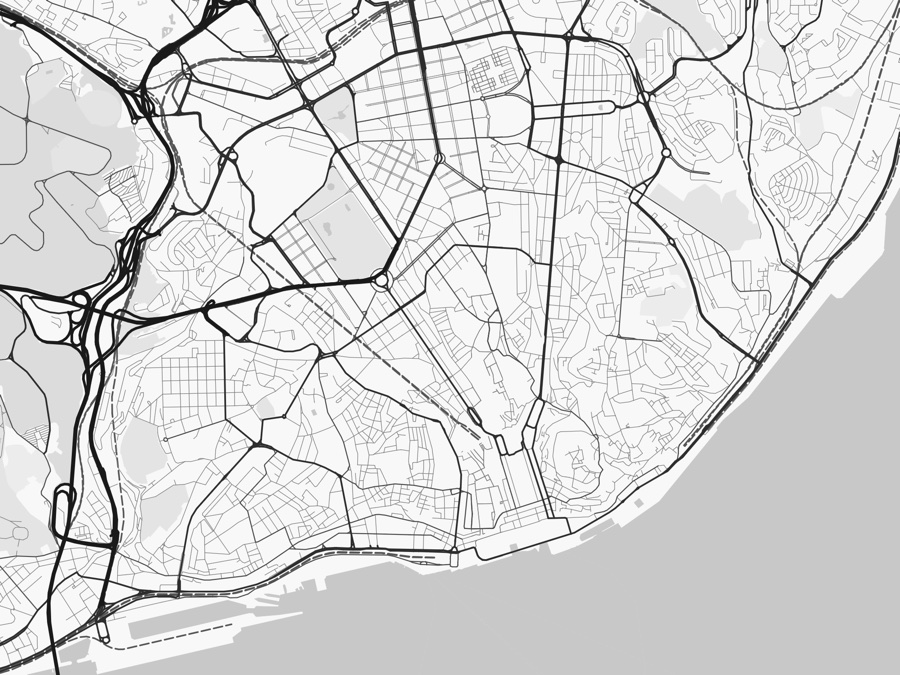
Three real exports at three different scales — from individual building footprints around a park, out to a city centre, out to a whole city and its coastline. Same layers, same editable file; only the frame changes.
How it works
No manual, no learning curve. If you can draw a box, you can make a map.
01
Search a place or draw a box on the map — any size, anywhere.
02
Choose a look and tweak the layers until it's exactly right.
03
Download your layered SVG and open it in your design tool.
Pricing
No subscription and no seat licences. You buy credits, and an export spends them — so you only pay when a map actually earns its place in your project.
from$2.40
per SVG export · no monthly commitment
FAQ
Open the app, draw your area, and have a layered SVG in your hands in minutes.
Works in your browser — no install required.
Contact
We read every message and reply as soon as we can.